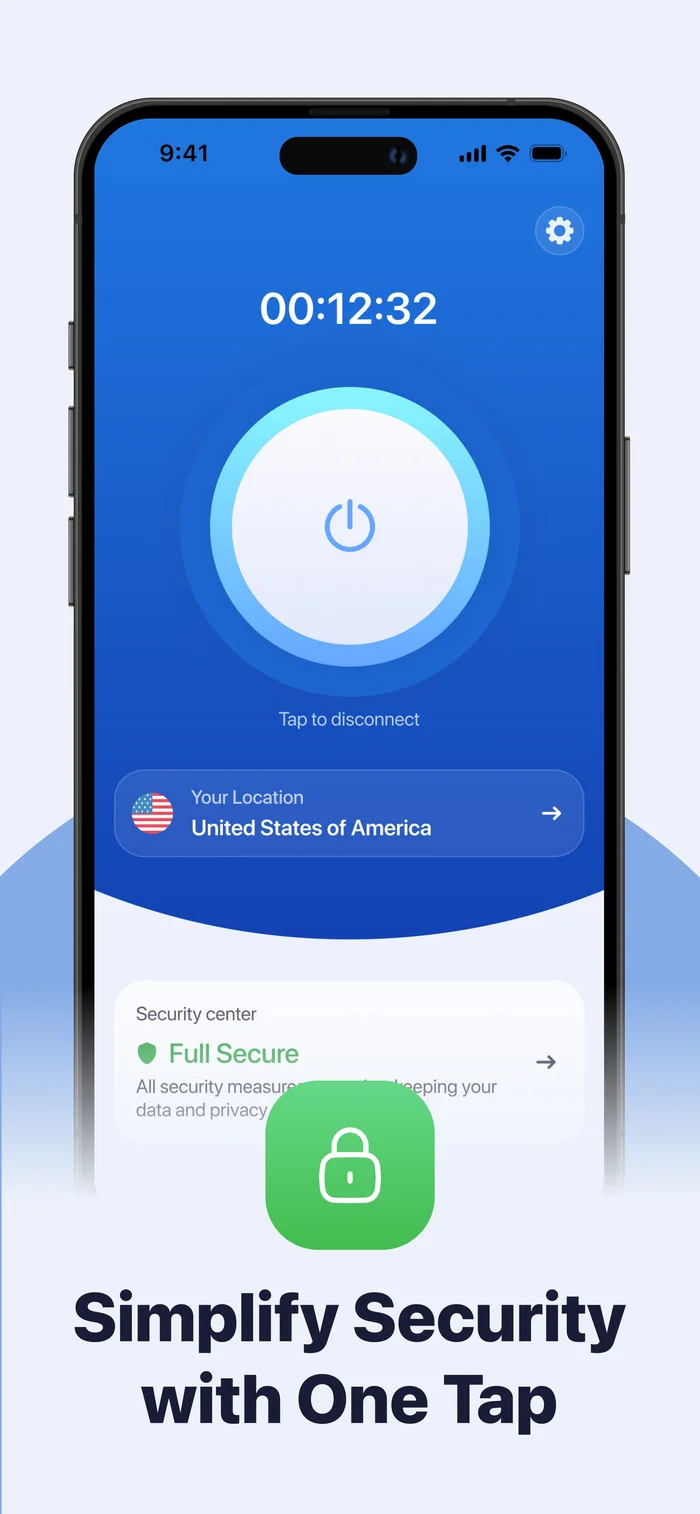
SecureGuard encrypts your connection, routes it through a location you choose, and bundles a full Security Center — Ad Blocker, Battery Health, Device Security and Wi-Fi Security — into one app.
SecureGuard encrypts your connection and changes where it comes out — and adds the everyday security checks worth having, without a separate app for each one.
Traffic is encrypted between your device and the server you select, through the VPN facilities iOS provides. On shared or public Wi-Fi that's the difference that matters most.
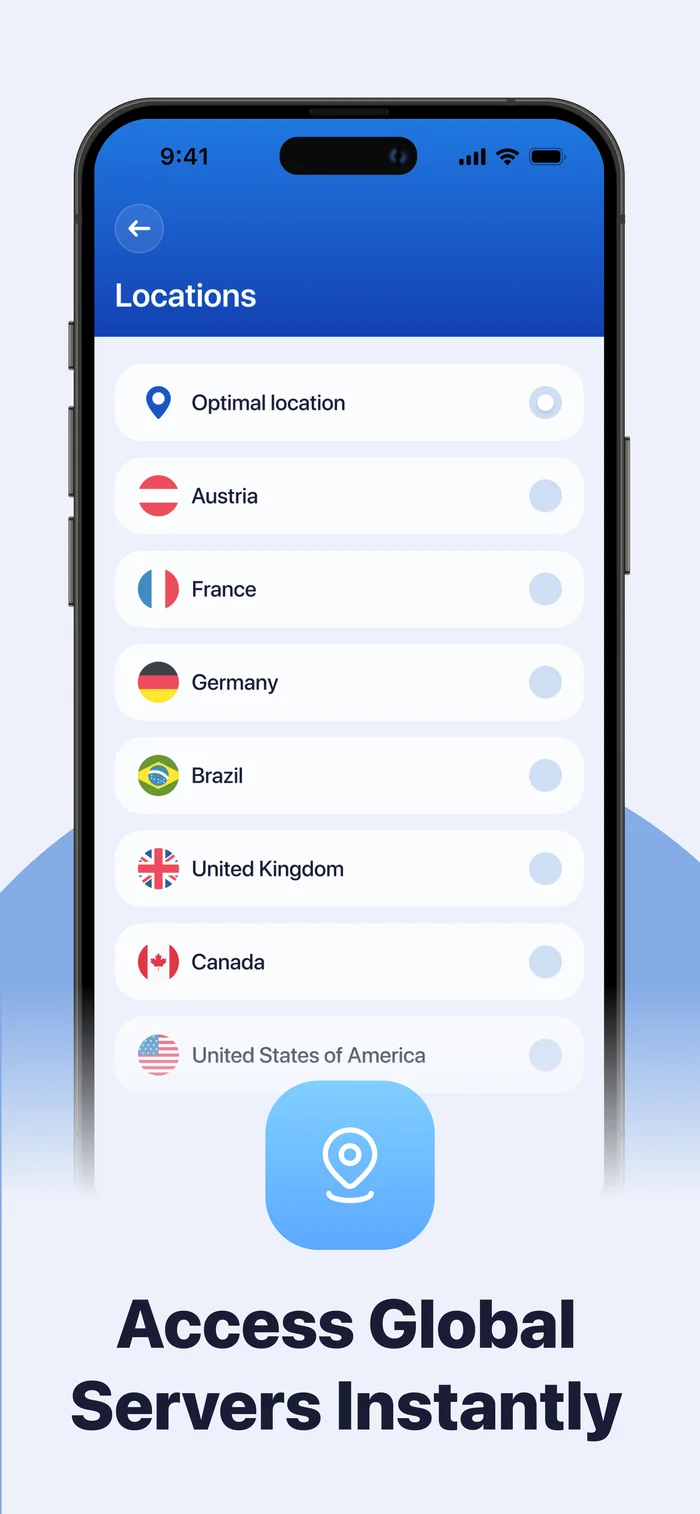
Sites see the address of the server you exit from rather than the one your provider gave you. Pick a country by hand, or let Optimal Location choose the nearest available server.
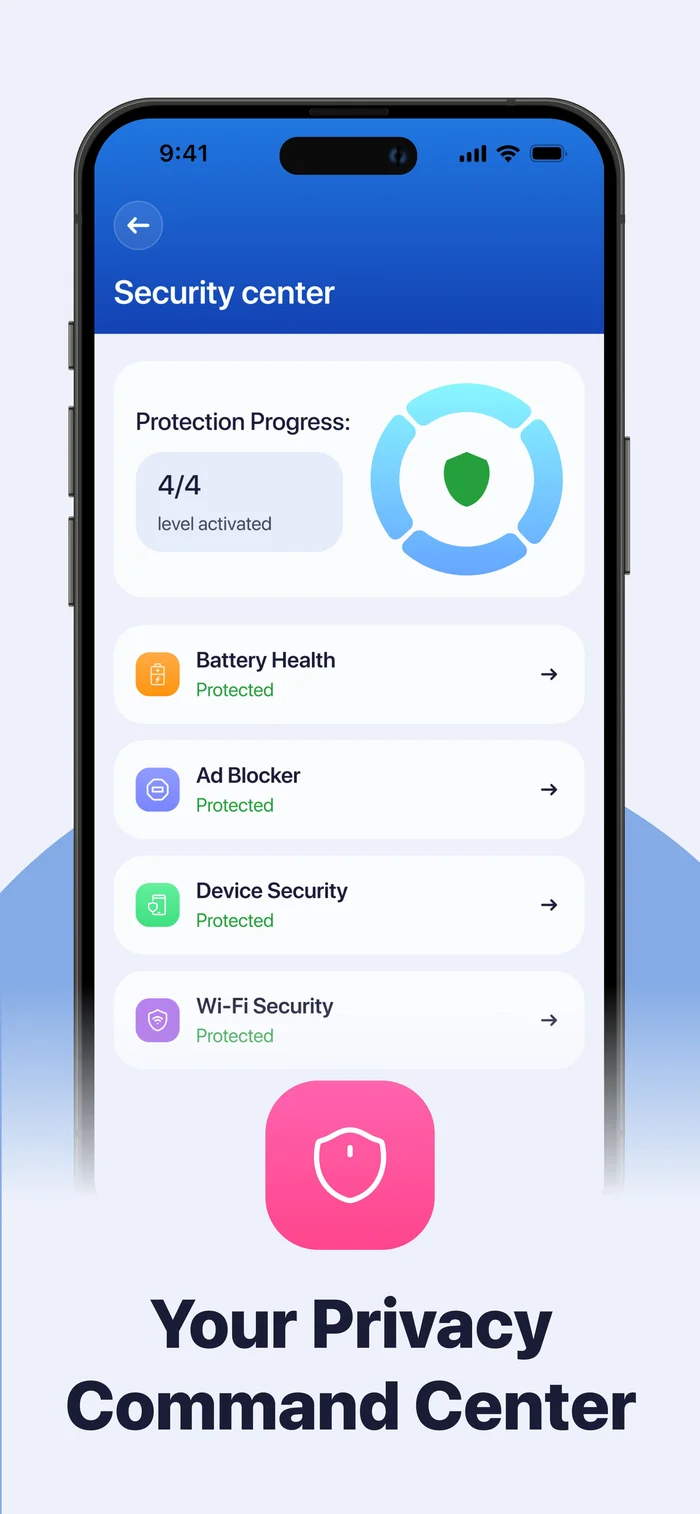
Ad Blocker, Battery Health, Device Security and Wi-Fi Security in one place — each with a clear Protected status, so you can see what's covered at a glance.
The same Security Center shown in the app — every check reports back a plain Protected status.
Every location works the same way. Pick a country by hand, or let Optimal Location connect you to the nearest available server.
Available locations change as capacity is added. The list in the app is always the current one.
As declared by the developer in the App's App Privacy section on the App Store: the developer does not collect any data from this app. That declaration hasn't been independently verified by Apple — here's what it means in practice.
We read every message and reply from a real mailbox — usually within 1–2 business days.
Questions about this policy or requests about your data.
No VPN does. It encrypts your connection and changes the address you appear to come from — it doesn't undo accounts you're signed into or cookies already on your device.
That's the only route iOS gives an app for handling traffic — the prompt comes from iOS itself, and every VPN app triggers it. You can remove it any time in Settings → General → VPN & Device Management.
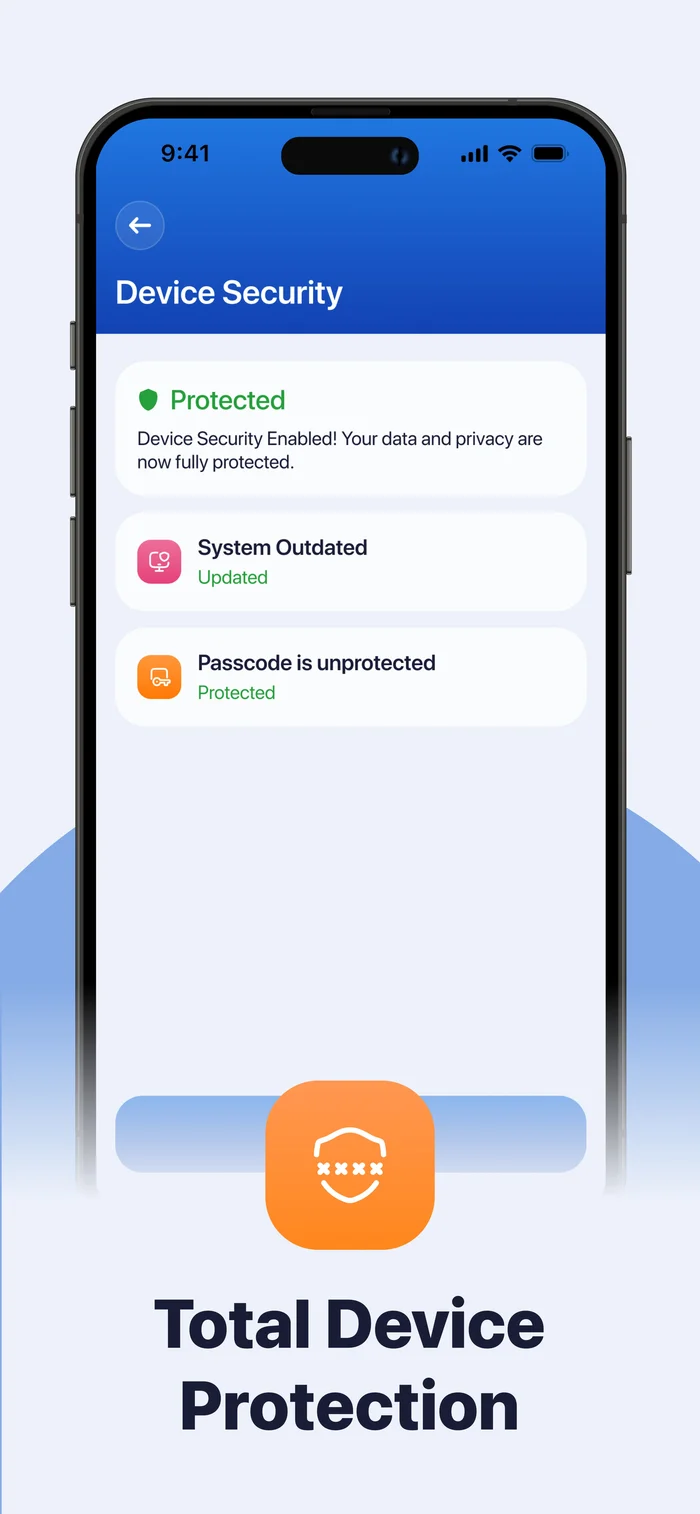
Battery Health, Ad Blocker status, basic Device Security settings (like whether a passcode is set), and Wi-Fi Security — each reports back a plain Protected status.
The app is free to download. In-app subscriptions unlock full access; pricing and billing period are shown in the app and on the App Store before you buy.
Settings → your name → Subscriptions → SecureGuard (listed as VaultNet VPN) → Cancel. Apple manages subscriptions, so deleting the app doesn't cancel one. See Support for the full walkthrough.
An encrypted connection and a full Security Center, in one app.
Download on theApp Store